
Updated · 4 min read
In short
- Battery life ranges from a few months to a year, depending on use and model.
- Low-battery notifications are essential — and check the level in the app now and then.
- Only buy a lock with a backup key or external emergency power contacts.
How long the battery lasts in practice, not just on paper
A smart lock's battery usually lasts from a few months to a year, depending on how often the door is used and the unlocking method used most. A lock unlocked many times a day, especially by methods that drive the motor (automatically turning the bolt), uses noticeably more battery than one used occasionally or turned by hand after authentication.
Differences between manufacturers and models are significant, so check the specification of each model before buying rather than assuming it's like other smart locks. A battery life advertised as 'up to a year' can shrink considerably on a door used heavily by a large family.
Low-battery notifications, an essential feature
Most app-connected models send a push notification when the battery drops below a threshold, usually with enough time to change it calmly, not in a hurry the moment the lock stops responding. This should be considered an essential feature when choosing a model, not a bonus.
One extra habit is worth it: check the battery level in the app now and then, even without a notification, especially on locks fitted to rarely used doors, where a technical problem could delay the alert.
Emergency access: the minimum guarantee before relying on the lock
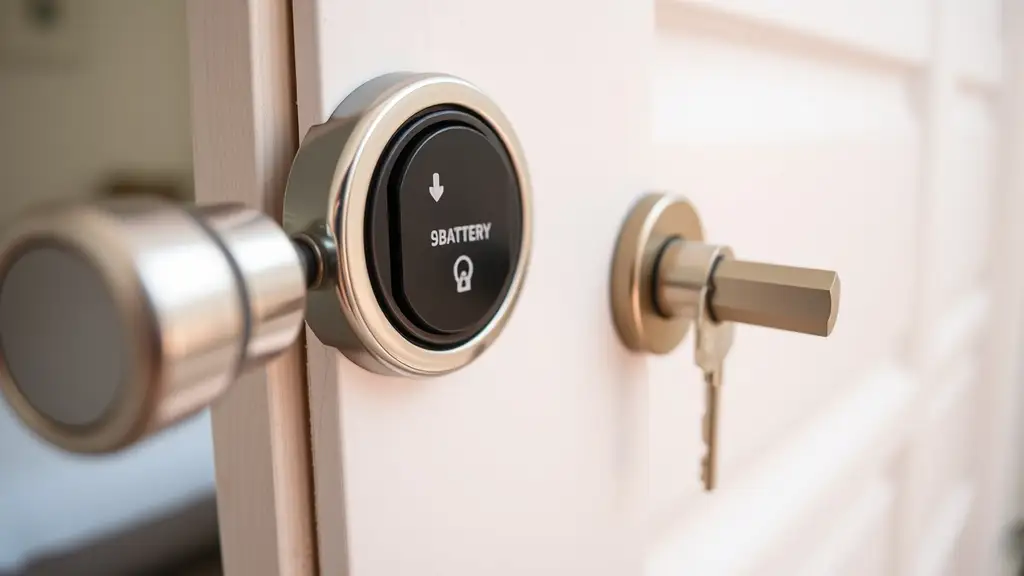
If the battery dies completely, without warning or unnoticed, there must be a backup way in that doesn't depend on the lock's internal power. Most good models keep a physical backup key cylinder, discreetly hidden under a cover or behind a small flap, exactly for this situation.
A second common solution is an external emergency power port, where an ordinary 9 V battery is held from outside against metal contacts on the lock housing, giving enough power for one unlock without waiting to replace the flat internal batteries.
Check the backup option explicitly before buying
Check this explicitly before buying a smart lock, don't assume it — not every model on the market offers emergency access when the battery is completely flat. The product specifications or detailed buyer reviews usually state clearly whether the lock has a backup cylinder, an external power port, or both.
A lock with neither is a real risk of being locked out of your own home, especially if the battery runs down unnoticed while you're away for a longer time. So models that don't offer this minimum guarantee are worth avoiding, however attractive their other features look.