
Updated · 4 min read
In short
- PIN works for everyone without carrying anything, but is slower and can be observed.
- Fingerprint is fastest but can fail with wet, dirty or cold hands; cards get lost; the app depends on your phone.
- Combine at least two methods on the same lock so you're never locked out.
PIN code: the universal method that needs no device
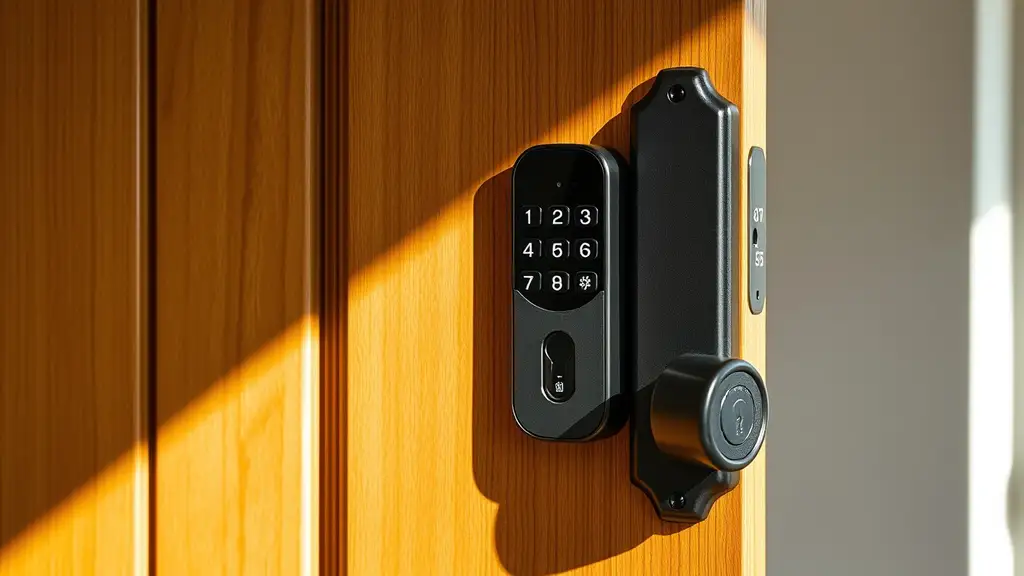
A PIN entered on the lock's keypad is the most universal method, because you don't have to carry any device, card or phone — every family member can remember the code and use it at any time. On the other hand, typing a code is usually slower than a fingerprint or a card, especially with your hands full, and pressing the same keys repeatedly can leave visible wear or be watched by someone nearby, partly compromising the code over time.
That's why many models let you type extra random digits before or after the real code, making it impossible to deduce the code just from visibly worn keys.
Fingerprint: speed in exchange for sensitivity to conditions
Fingerprint unlocking is usually the fastest everyday method — a single touch, no code, no phone out of the pocket. Each family member can register their own fingerprint, so nobody has to remember or share a common code.
The real limitation shows in less favourable conditions: wet hands, hands covered in paint or soil after gardening, or very cold hands in winter can stop the sensor recognising the print first time. Check the sensor quality of the model before buying — differences in reliability between manufacturers show up precisely in these everyday situations.
RFID card or fob: simple, with the familiar risk of loss
An RFID card or fob works like an office access card — hold it near the lock, it is recognised and the door unlocks instantly, with no code and no touching a sensor. It is quick and easy for children or older people, who may find PIN codes or apps harder to manage.
The downside is the same as a traditional key — the card can be lost or left at home or at work exactly on the day you need it, and replacing a lost one means, on some models, reprogramming the lock to deactivate the old card.
Phone app: full flexibility, but dependent on your battery
Unlocking via the app — by Bluetooth as you approach, or by a remote command over the internet — is the most flexible method. It lets you, for example, let in a friend or family member who is already at the door while you're not home: just open the app and confirm from work or on holiday.
That flexibility comes with complete dependence on a working, charged phone: if the battery dies, the phone freezes or there's no signal at the door, the method is unavailable exactly when you need it. That's why almost nobody relies on the app as their only everyday way in.
The practical recommendation: combine at least two methods
Each unlock method has a different weak point — the code can be slower, the fingerprint can fail in poor conditions, the card can be lost, the app depends on the phone. The safest practical approach is to combine at least two different methods on the same lock, for example a PIN the whole family knows plus the app for remote access.
That way, if one method is temporarily unavailable — a flat phone, a card left at home — there is always a second working option and the risk of being locked out drops sharply.