
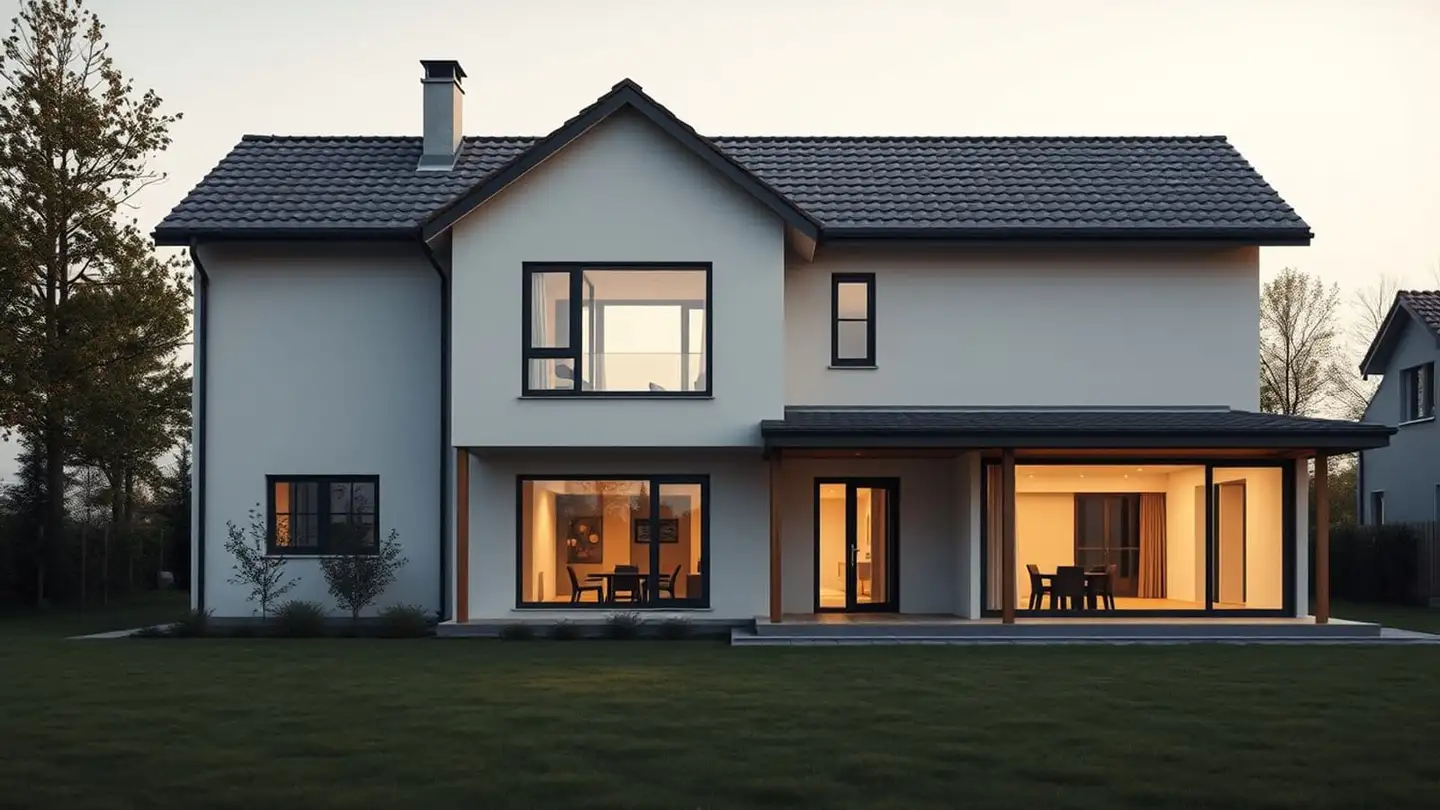
3D house designer
Design your house floor by floor and see it in 3D — draw it on the plan yourself, or tell Cipică what you want and it draws it for you.
What you can do
🧱 Floor-by-floor plan
Rooms, walls, doors and windows dragged with the mouse and snapped together. Ground floor, upper floors, attic or basement — up to 5 levels.
🧊 3D view
Rotate, zoom and cut away the walls to see inside. Change the season and time of day, or switch the lights on at night.
🤖 Cipică as architect
“Make me a house with 3 bedrooms” or “move the bed next to the window” — Cipică changes the plan from the chat.
🚶 Walk through the house
Step inside at eye level and walk from room to room. On a phone, look around by turning and tilting it.
📸 Photorealistic interiors
Stop in a room while walking and Cipică photographs it: the same walls, windows and furniture, with real materials and light.
🛋️ Furniture and finishes
Around 40 furniture and landscaping items, floorings, tile formats, wall colours, façade, roof and window frames.
🌳 Outside
Garage, terrace, pool and garden, added next to the house with one click.
📏 Material quantities
Blocks, concrete, roof tiles, insulation, plaster, paint, tiles and flooring — calculated from your plan and linked to our calculators.
📐 Technical drawings
Dimensions, furniture, sockets and switches, lighting, plumbing and radiators, wall elevations and quantities per room — in a printable PDF album.
How it works
- 1Start from scratch or from an exampleDraw the first room on the plan or load the example house and change it.
- 2Tell Cipică what you wantHow many bedrooms, what size, where the terrace goes — Cipică places rooms, doors and furniture.
- 3Adjust in 3DMove walls, change finishes, add a garage or pool and see the quantities update.
- 4Download what you needThe PDF album with the drawings, a 4K image, a .glb model for your architect and photorealistic renders of the house and rooms.
What you get with each project
- ✓PDF album with the house plans (around 40 sheets)
- ✓Technical drawings: dimensions, furniture, sockets and switches, lighting, plumbing and radiators, floor finishes, tile layouts, wall elevations
- ✓4K 3D image and .glb 3D model (Blender, SketchUp)
- ✓Material quantities from foundation to roof
- ✓Variants of the house, compared on the numbers
- ✓A public link to show the house to family or your architect
- ✓Photorealistic renders of the house and of each room
The cost estimate is available only in the Romanian version: it uses Romanian market rates, which would be misleading elsewhere. Use the quantities to ask local builders for quotes.
The editor is free to try; you save a project for ≈ €5.61 — or without limit with a Pro subscription. Messages to Cipică are paid with credits (2 credits per message; Pro includes 30 credits a month).
Sign in to start a projectFrequently asked questions
Can I use the plan for a building permit?
Not directly. The 3D designer helps you decide what you want; for a permit you need drawings by a licensed architect. The 3D model and the quantities shorten that work considerably.
What is a photorealistic render?
Cipică turns the 3D view you choose into a realistic photo, with the same walls, windows and roof. Pro subscribers get one free render a month; further renders cost credits.
Does it work on a phone?
Yes, you can view and rotate the house on a phone and walk through it with the gyroscope. Drawing the plan is more comfortable on a computer with a mouse.
In which currency do I pay?
Prices are set in Romanian lei; the checkout shows and charges the exact amount in your currency.