
AI room redesign with Cipică
Photograph the room, pick a style. Cipică tells you what to change, in which colours, and shows the result.
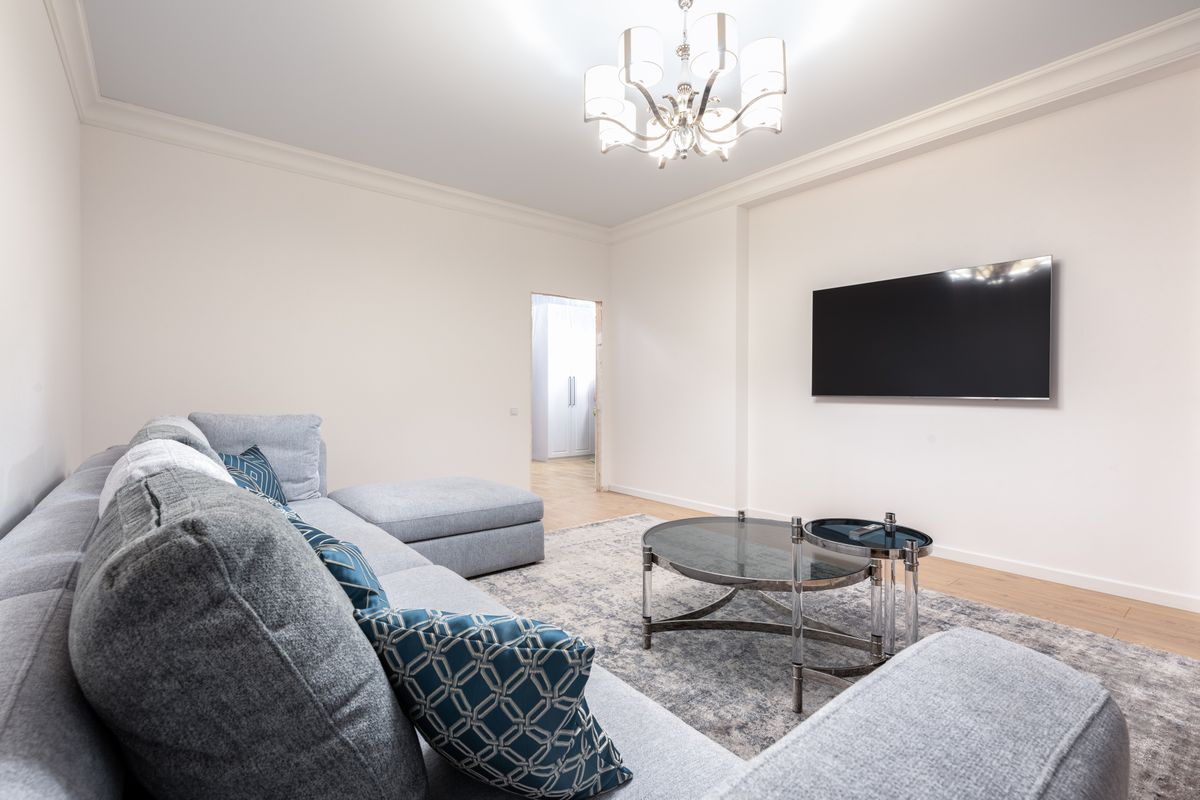 01
01Upload the photo
Living room, bedroom, kitchen, bathroom, hallway, kids' room or home office.
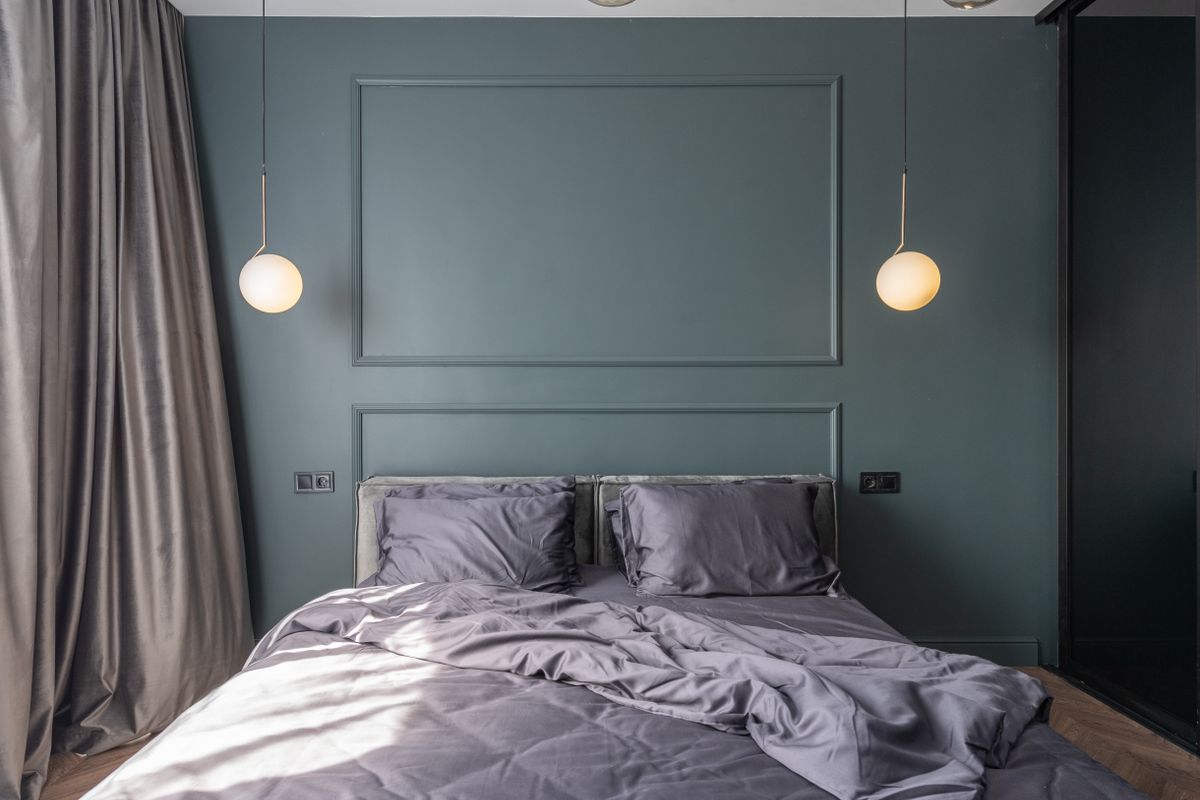 02
02Choose style and changes
Modern, Scandinavian, Japandi, industrial, classic, rustic or minimalist — and tick what may change.
 03
03Get the proposal
Palette with hex codes, the jobs in order, new furniture and what you keep.
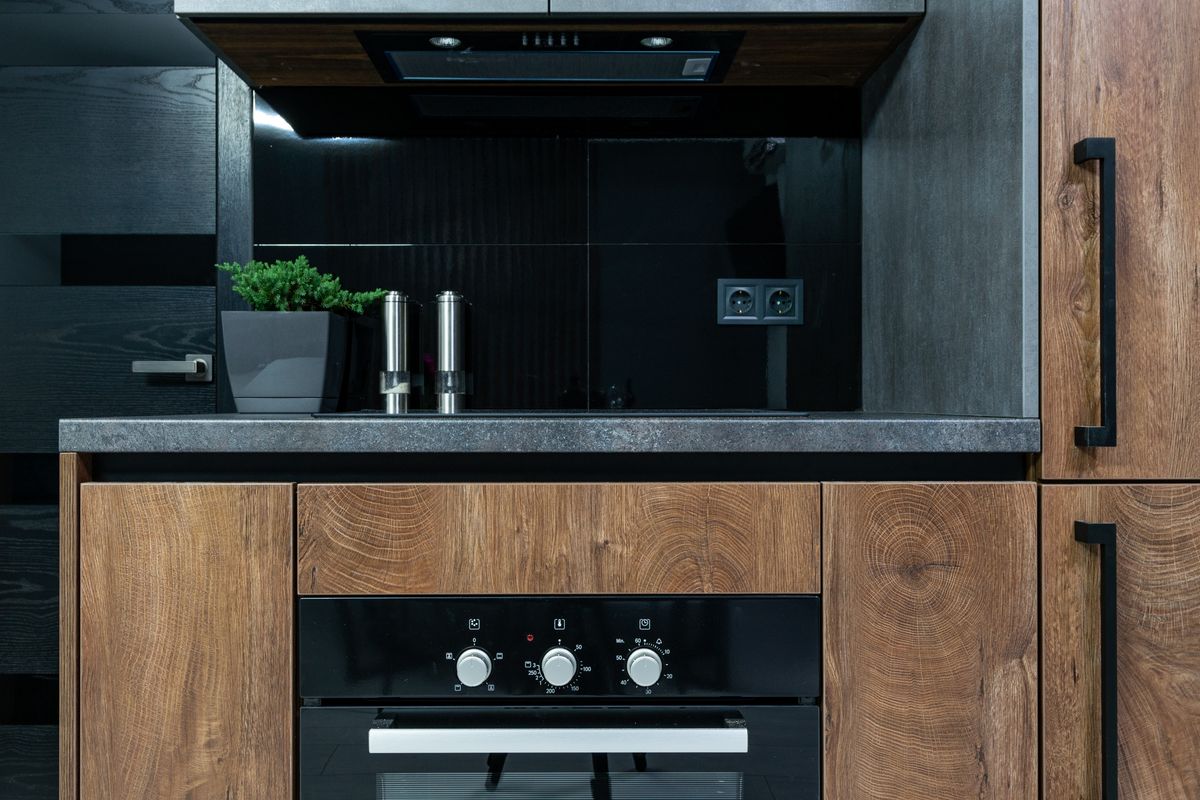 04
04See the “after” image
Optionally, Cipică redraws your own room in the proposed style.
🔒 AI room redesign is available with a free CasaPractic account
Creating an account takes a minute. Once signed in you can:
- upload a photo of the room and choose the style;
- get the palette, the jobs, what to keep and what to replace;
- generate an “after” image of your own room;
- save the proposal as a PDF.
New accounts get 5 free credits — enough for one full redesign: the proposal (3 credits) and the “after” image (2 credits). Plus and Pro subscribers get one free proposal every month.
Sample proposal · Scandinavian living room
- Walls: warm white, with a sage-green accent wall behind the sofa.
- Floor: light oak laminate, 8 mm, AC4.
- Light: a timber pendant and a floor lamp next to the armchair.
- Keep: the sofa and the bookcase.
What a proposal contains
Cipică starts from the photo of your room, not from a catalogue room. It keeps what is worth keeping — a good floor, furniture that suits the new style — and proposes only the changes that matter for the style you chose.
- a colour palette for walls, textiles and accents, with named shades and hex codes;
- the jobs, in order: what to paint, what to replace, what to rearrange;
- what to keep and what to change in furniture and decor;
- optionally, an “after” image generated from your own photo.
The proposal contains no prices: renovation costs differ a lot between countries. Use the jobs list to ask local tradespeople for quotes, or plan the totals in our renovation budget calculator.
Renovation budget calculator →Frequently asked questions
Which photo works best?
One taken in daylight, from a corner of the room, showing as much wall and floor as possible. A dark or very close-up photo hides exactly the details the proposal is built from.
Does Cipică change walls or windows?
No. The proposal and the “after” image keep the walls, windows, doors and camera angle; only finishes, fittings and furniture you ticked are changed.
Is the “after” image exact?
It is an AI-generated illustration of the proposal. Use it to judge the overall look and colours, and check real dimensions and products before buying.
What do I pay?
The proposal costs a few Cipică credits and the image a few more; new accounts get free credits to try it. Credits are charged in your currency at checkout.